
Life Admin Hub


Life Admin Hub
Notion TemplateRenewals, documents and logins, found fast.
- Built for Notion on laptop and phone
- Works on the free Notion plan
- Light & dark mode included
- Step-by-step PDF setup guide
Instant download · Free PDF guide · Works on free Notion
Full description
Everything your family needs to remember, in one calm place. Papers and expiry dates, subscriptions, appointments and the phone numbers you always need, so nothing expires or gets forgotten again.
What's inside
- 📄 Important documents: passports, IDs, insurance, contracts; where they're kept and when they expire, with a 90-day "Renew soon" warning
- 🔁 Subscriptions & renewals: cost, next renewal and your real yearly spend
- 📅 Family appointments: calendar view, who's going and what to bring
- 📞 Important contacts: doctor, pharmacy, school, plumber, babysitter
- 🏡 Home links: one spot to link all your other planners
- 💜 Start Here guide: set up in 5 easy steps
Good to know
- Instant access: your Notion template link is delivered right after purchase
- Works on the free Notion plan, on desktop, tablet and phone
- Beautiful in light and dark mode
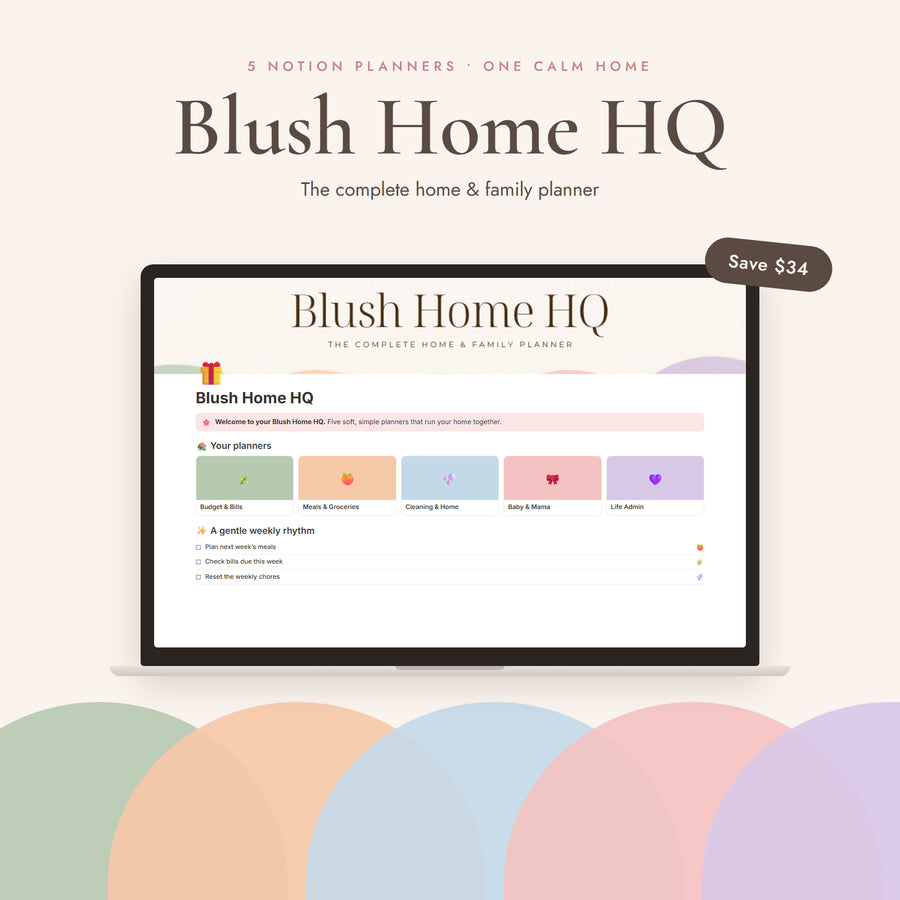
♡ Want the whole cozy set? This planner is part of Blush Home HQ: all 5 home planners (budget, meals, cleaning, baby & life admin) lovingly linked together for just $49. That's $34 saved, and one calm home for everything.
This is a digital product. No physical item will be shipped.
Made for full lives
Busy moms
Keep school, meals and appointments out of your head.
Working women
Balance work, money and personal goals in one view.
Families
Share one home dashboard with your partner.
Before you buy
Do I need paid Notion?
No. Every planner works on Notion’s free plan.
Does it work on phone?
Yes. Each template is designed for the Notion desktop and mobile apps, so you can plan on your laptop and check things off on your phone.
How do I get it?
Right after checkout you’ll get an email with your template link and PDF guide. Open the link, click Duplicate, and it’s in your Notion.
Can I customize it?
Yes. Rename, recolor, add pages or hide what you don’t need — it’s yours to shape.
Refunds?
Digital templates can’t be returned once delivered. If anything isn’t working, email us and we’ll make it right.